Elevate Your Etsy Shop with Professional Listing Previews
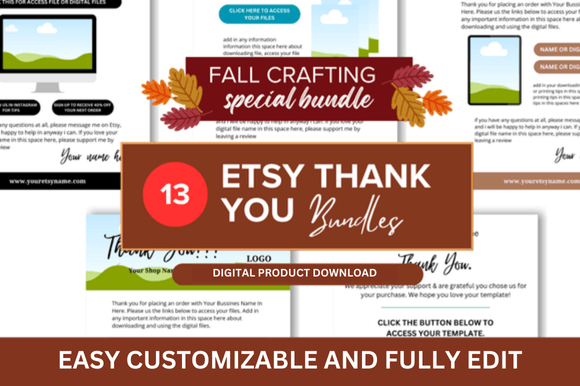
First impressions on Etsy are visual. Before a shopper reads your carefully crafted description or checks your reviews, they see your listing image. A crisp, professional, and cohesive set of product mockups can be the difference between a scroll-past and a click. This is where a dedicated Etsy Product Listing Preview template becomes an essential tool in your seller toolkit, designed to present your digital or physical products in a polished, market-ready format.
What Exactly is an Etsy Listing Preview Template?
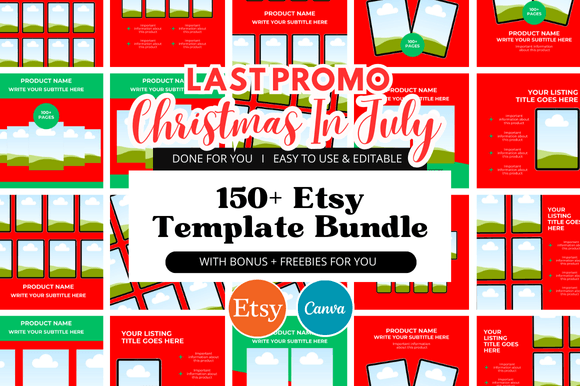
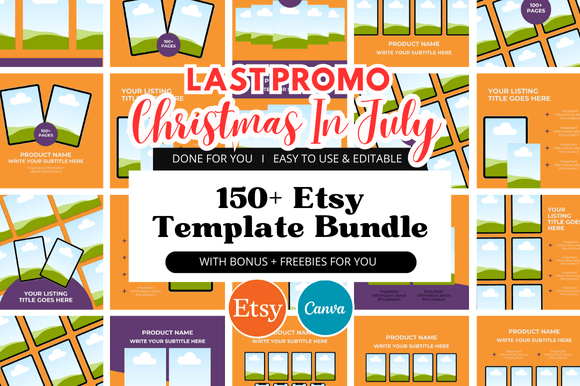
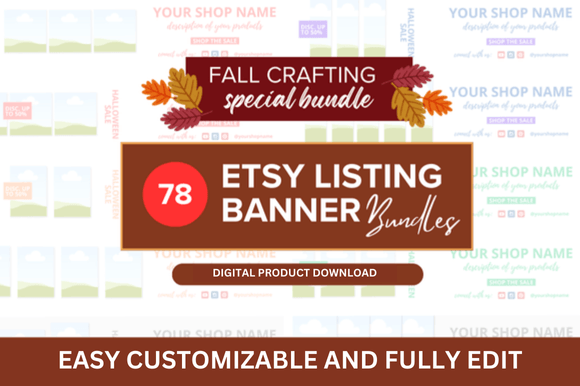
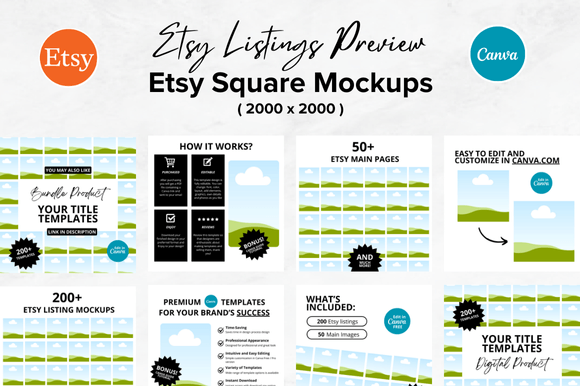
Think of it as a pre-designed stage for your products. An Etsy Listing Preview Template is a customizable mockup file, often provided as a Canva link or PSD file, that gives you a consistent and professional framework for creating your shop's main listing images. The core offering here includes 8 high-resolution mockups at 2000 x 2000 pixels—the ideal square format for Etsy's gallery. These templates are built with clean lines, smart object placeholders, and a neutral aesthetic that lets your product shine. The overall appeal is one of organized simplicity and modern professionalism, avoiding distracting backgrounds or overly stylistic elements that could clash with your brand.
The "personality" of these templates is supportive and versatile. They aren't shouting for attention; they are designed to frame your work. Whether you're selling printable planners, digital art downloads, custom invitations, or SVG files, these mockups provide a visual consistency that builds trust. A shop where every listing image shares a similar layout, font treatment, and color scheme signals reliability and attention to detail—qualities buyers actively seek out.
Practical Applications Across Your Creative Business
The utility of a good listing preview extends far beyond just filling the first image slot. Consider how these mockups integrate into your broader workflow:
- Digital Product Presentation: For sellers of printable planners, worksheets, or digital art, showing the product in a realistic context is crucial. A mockup of a planner page on a stylish desk or a digital download on an iPad screen helps customers visualize the end use, significantly increasing perceived value and conversion potential.
- Brand Consistency and Shop Cohesion: Using the same template set across your entire shop creates a unified look. This isn't just about aesthetics; it's a strategic move for brand identity. A consistent visual language makes your shop memorable and professional, aiding in recognition as customers browse.
- Marketing and Social Media: Your listing images are your primary marketing assets. High-quality mockups are perfect for repurposing into Instagram posts, Pinterest pins, or Facebook ads. The square format is inherently social-media friendly, ensuring your product looks sharp across platforms without awkward cropping.
- Time Efficiency and Design Workflow: Creating compelling product shots from scratch for every new listing is time-consuming. A customizable template slashes this time dramatically. You simply drop in your design, adjust the background color if needed, and export—freeing up hours for creating new products or engaging with customers.
Choosing and Using Your Templates Effectively
Not all mockups are created equal. When evaluating a set like the Etsy Product Listing Preview bundle, consider these practical aspects:
- Evaluate the Style Fit: Look at the mockup's inherent style. Does it align with your brand's vibe? A template with rustic wooden textures might clash with a minimalist digital art shop. Seek out templates with clean, modern surfaces or versatile scene setups that can be adapted through color changes.
- Test for Customization Ease: The real value is in the customization. Before committing, check if the template uses easily editable Smart Objects (in Photoshop) or clear, labeled layers (in Canva). Can you change the background color, adjust shadows, or move elements without breaking the design?
- Consider Readability and Hierarchy: A good template helps guide the viewer's eye. Does it have space for a clear headline or a call-to-action badge? Ensure any text overlays are placed in areas with enough contrast to remain readable against your product image.
- Review the Licensing: This is critical for commercial use. Ensure the template license explicitly permits use for creating end products for sale, like your Etsy listings. Most reputable design asset sellers provide clear commercial licenses, but always double-check.
- Font Pairing Within the Template: Many templates include suggested font pairings. Use this as a starting point. If the template uses a sans serif font for headers, consider if a complementary serif font for details would work better for your brand. The goal is visual harmony that enhances, not distracts from, your product.
Ultimately, a set of Etsy listing mockups is more than just a pretty picture. It's a foundational design asset that supports your shop's visual hierarchy, reinforces brand perception, and streamlines your creative process. By presenting your work within a professional and consistent framework, you communicate value and build the kind of trust that turns casual browsers into loyal customers. Invest the time to choose a template that fits your brand, master its customization, and watch as your shop's visual presentation becomes a powerful engine for growth.